Picture a large company hit by a network failure during its busiest hours. The IT staff scramble to find the cause while employees wait, unable to access critical applications. Situations like this expose the need for solid configuration management. This process automates and organizes network setups, reducing downtime and boosting productivity.
Configuration management means keeping servers, software, and devices in a known, consistent state. It covers tracking hardware and software changes, pushing automated updates, and enforcing security policies. Take a retail chain updating point-of-sale terminals across dozens of stores. Automated configuration management ensures all locations run the latest software without techs visiting each store.
Companies often face challenges managing gear from different vendors. Using multi-vendor network automation tools helps IT teams control diverse devices from one interface. For instance, when running Cisco routers alongside Juniper switches, a single tool minimizes configuration mistakes and maintains uniform settings.
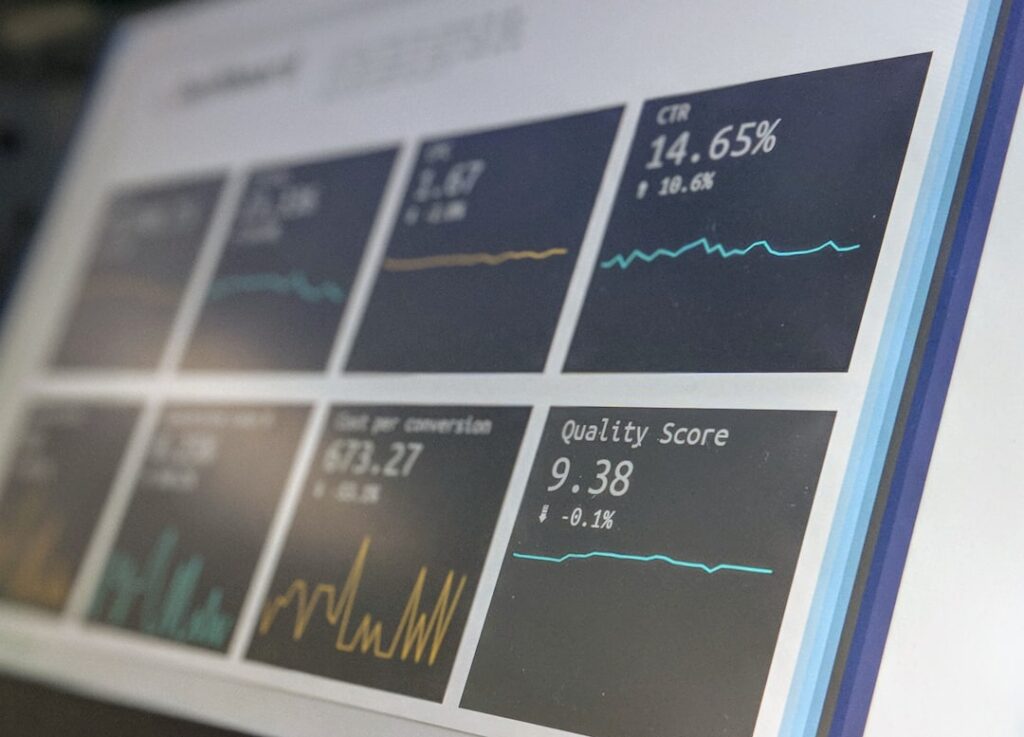
Advanced monitoring systems work hand-in-hand with configuration management by watching network health live. These tools spot irregularities like unauthorized configuration changes, triggering alerts so teams can fix issues before they disrupt service. This prevents surprises from hidden configuration drifts or forgotten updates.
Introducing products such as ThirdEye Suite changes network management by automating compliance audits and generating detailed reports. Organizations gain clear visibility into configuration history, making it easier to plan upgrades and allocate resources efficiently.
Net LineDancer is another practical tool that automates routine tasks like firmware updates and policy enforcement across multiple vendors’ devices. This reduces repetitive work for IT staff, letting them concentrate on more strategic projects instead of firefighting day-to-day glitches.
A typical challenge is miscommunication about who updates what and when. Teams often keep handwritten notes or spreadsheets about recent changes; these informal records help avoid overlapping tasks or conflicting modifications. Regular reviews of configuration baselines also prevent outdated settings from lingering unnoticed.
Some companies have cut incident response times in half after adopting automated configuration controls. Such improvements lead to smoother operations and less frustration among staff who otherwise spend hours fixing preventable problems.
Trying new tools with a trial period is wise. A 30-day free test lets businesses see if the software fits their environment without rushing into purchases. It’s a chance to evaluate ease of use, compatibility with existing devices, and the quality of support.
Many organizations stick with old configurations simply because they seem stable. However, this approach can leave them vulnerable to security risks and inefficiencies. Regularly reviewing and updating configuration management practices helps maintain resilience and keeps systems running as expected.