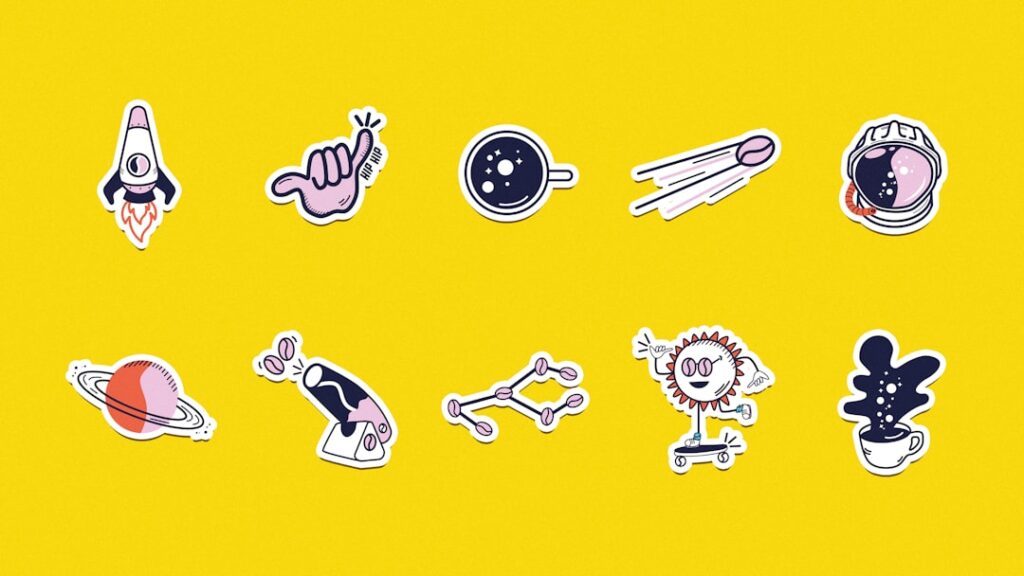
A small business owner preparing for a local market often faces the challenge of making their products stand out. Unique products need labels that catch the eye and convey the brand’s personality. That’s where a4 blank stickers come in handy. These sheets can be cut into any shape you want, from simple rectangles to ovals or even custom shapes, letting you create labels that truly represent your brand. Personalised labels improve packaging appeal and give a professional touch that customers notice immediately.
LabelsOnSheets provides free template software designed to take the hassle out of label making. The software offers various sizes and shapes, so you can pick the exact dimensions that fit your product containers. Even if you’re new to design, you can create polished labels without guesswork. The system helps prevent common problems like labels printing off-center or with wrong measurements, saving you time and wasted materials.
If you’re comfortable using Microsoft Word, it’s a practical tool for producing labels too. Using the mail merge feature, you can print batches of labels personalised with names, dates, or product details. This is especially handy for events or seasonal promotions where you need many labels with consistent formatting but different information. It cuts down on repetitive tasks and keeps your branding uniform.
For those with graphic design skills, programs like CorelDraw or Adobe Illustrator offer greater control. These allow precise adjustment of colors, fonts, and layout so you can craft unique designs that match your brand’s identity perfectly. Designers appreciate the ability to customize beyond standard templates, tweaking shapes and sizes exactly how they want. It takes more time but offers superior flexibility.
There’s a misconception that blank stickers are only for basic labeling, but they work well in diverse settings. A bakery might use them to label specialty jams or pastries with tempting descriptions. Craft businesses often add custom artwork to packaging or tags using these stickers, giving a personal feel that mass-produced labels lack. Small touches like handwritten-style fonts or textured finishes make a big difference.
Choosing the right sticker material matters too. Some products need waterproof labels if they’ll be exposed to moisture, while others benefit from matte finishes for a more refined look. Picking the right paper or vinyl affects durability and how professional your product appears on shelves. It’s worth testing samples before committing to large print runs to ensure the feel and finish meet expectations.
Getting your printer settings right is often overlooked but critical for good results. Adjusting paper type settings, print quality, and color profiles can prevent smudged ink or faded colors. Many people don’t calibrate their printers regularly, which causes inconsistent prints and wastes expensive sheets. Doing a few test prints on plain paper before the final run can save frustration and money.
When you’re ready to explore label creation further, visit custom label printing advice. There you’ll find practical tips on using templates effectively and managing print jobs whether at home or through a service. Understanding these basics helps you avoid common pitfalls and get the most out of your blank sticker sheets.