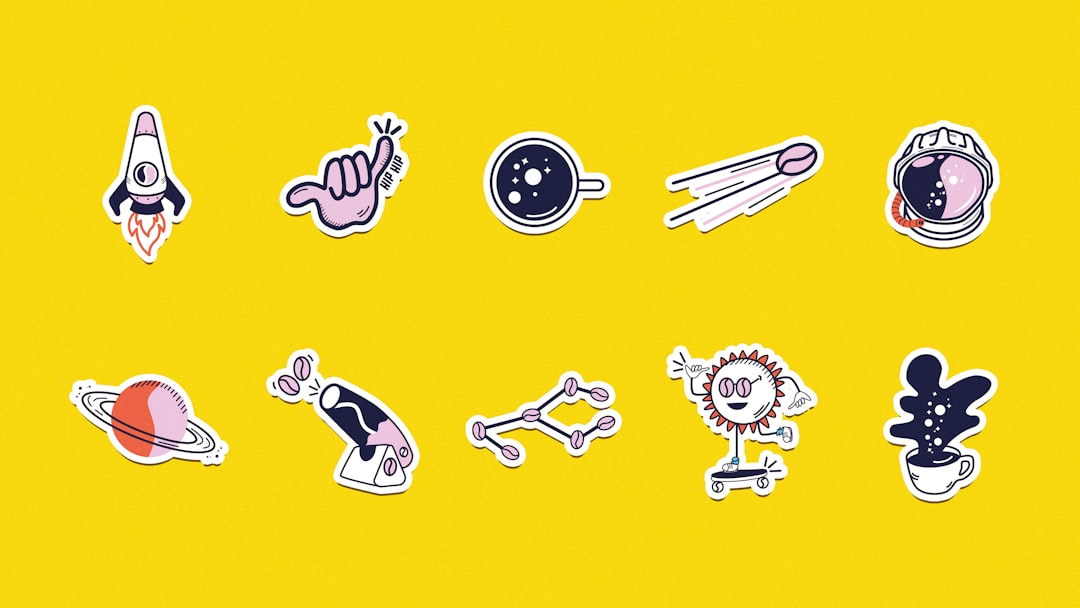
A local business owner gearing up for an event often needs eye-catching stickers to boost brand visibility. Designing these from scratch can be overwhelming, especially without design experience. That’s where sticker sheet template software becomes a practical tool. It lets users adjust designs to any shape or size, fitting perfectly on an A4 sheet, which cuts down on wasted materials and expense.
LabelsOnSheets offers free template software that’s straightforward and effective. It supports a range of shapes like rectangles, squares, circles, and ovals. This variety means businesses can tailor labels to their products or promotions without fuss. A real benefit is the ability to maintain consistent branding while saving hours that would otherwise go into manual layout.
Microsoft Word also serves well for label creation, particularly for those already comfortable with it. Setting the page size to match your sticker sheet dimensions is key. From there, inserting images and text becomes simple, allowing quick tweaks for different products or events. Many users find this an easy way to avoid expensive graphic design tools while still producing clear, professional labels.
For more detailed work, graphic programs like CorelDraw or Adobe Illustrator provide advanced features. These let you work with vector graphics and precise editing tools, perfect for logos or intricate designs that need crisp printing. While there’s a steeper learning curve, the payoff is labels that look polished even at small sizes. Business owners often start with templates here but customize heavily to get exactly what they want.
Printing labels accurately requires careful attention to layout and alignment. If the design doesn’t fit the sticker sheet dimensions precisely, the result can be misprints and wasted sheets. A common tip is to print a test page on plain paper first to check spacing and margins before using actual sticker paper. Using templates made for specific sticker sheets helps avoid these pitfalls.
Many companies rely on sticker sheets for printing that come with templates tailored to different sheet sizes and layouts. Having access to these saves time and ensures consistent results across batches. For example, a bakery might label each pastry type with a custom sticker that matches the overall shop branding, which looks professional and builds customer trust.
Exploring different template options can make sticker design less of a chore and more of a creative outlet. Once the basics are set up, experimenting with colors, fonts, and images becomes easier and even enjoyable. This hands-on approach often leads to fresh ideas that resonate better with customers.
If you want to expand your design toolkit further, custom sticker sheet resources offer guidance and tools for producing high-quality labels. Having reliable templates close at hand turns what could be a frustrating task into an opportunity to enhance your brand’s image through thoughtful design.