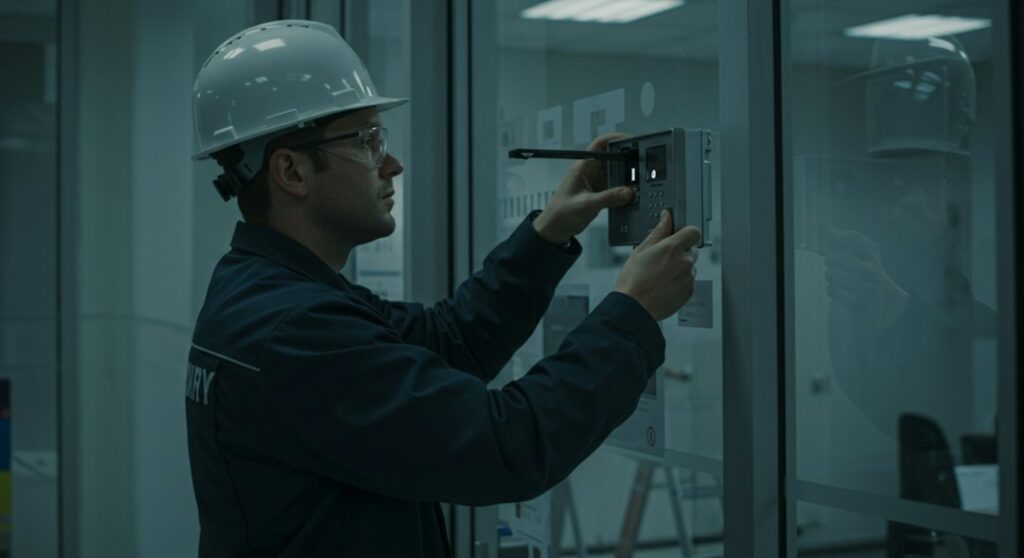

Field use is the first practical test. An inspector should be able to open the correct property, confirm the tenancy or unit, move through rooms, and attach a photograph to the relevant observation without switching between several apps. Offline access allows data entry to continue where service is weak, such as a basement laundry room, a rural house, or a building with thick concrete walls. The provider should explain how saved records and images synchronise after connection returns, including what happens if the same record is edited on two devices. rental inspection software is worth considering only if its field workflow is clear enough to prevent notes and images from becoming separated.
Reusable templates need careful testing because a rigid form can be nearly as unhelpful as no form at all. A template may include rooms, fixtures, condition ratings, prompts, and required evidence. Staff should be able to adapt it for an apartment, townhouse, furnished rental, or shared property without adding irrelevant sections to every visit. Ask whether an inspector can add a property-specific item, record that a condition is unchanged, and distinguish an existing defect from a new one. A useful habit is to review the previous inspection beside the current template before leaving the property, especially where a carpet stain or wall mark has already been documented.
Photographs and written observations should remain connected throughout the reporting process. Test the system with a real inspection containing several rooms, multiple images, and at least one item needing repair. The resulting document should identify the property, inspection date, and relevant location, while placing each image near the observation it supports. Check whether notes can be corrected before delivery and whether recipients can see only the property that concerns them. An audit trail records changes over time, such as the creation or amendment of an entry. It may support internal review, but retention periods, access rights, and deletion controls must be checked against the organisation’s policy and applicable requirements.
Connections to other systems often determine whether the new tool reduces administration. An integration can transfer selected information, such as an address, tenancy status, appointment, defect, or completed report, between platforms. Ask whether the connection is direct or depends on an intermediary, which fields move in each direction, and how duplicate properties are matched. A manager may expect a cracked tile recorded during an inspection to enter the maintenance queue with its photograph and location. If an employee still has to copy the address, description, and priority by hand, the promised inspection report workflow may create a second data-entry task instead of removing one.
Security questions belong in the first vendor discussion, before tenant names, access details, or interior photographs are uploaded. Role-based permissions should let an inspector complete assigned visits without changing account-wide settings, while an administrator can manage users and a contractor receives only the work relevant to that contractor. Ask how information is protected during transfer and storage, but also cover practical account controls. A lost phone is a realistic event, so confirm whether sessions can be revoked, devices can be removed, and stronger sign-in methods are available. Clarify backup arrangements, recovery procedures, export rights, and how records are deleted when an account or tenancy ends.
Price comparisons should include more than the advertised subscription. Check charges for additional users, properties, storage, report delivery, setup, support, and links to other systems. Establish what happens if the portfolio grows or a seasonal contractor needs temporary access. Training effort also has a real cost. Invite two or three employees to inspect the same property using identical scenarios: poor reception, a repeated defect, a new repair, and a report that needs correction before sending. Record the elapsed time, number of taps or manual entries, correction count, and quality of the final document. A cheap plan that staff bypass can increase administration through unfinished records.
A controlled trial should use the organisation’s own forms, naming conventions, and recipient types rather than a prepared demonstration account. Include the person who schedules visits, the inspector who works on site, the manager who approves reports, and the maintenance employee who receives defects. Ask each participant to describe what happens after a photograph is taken and after a report is amended. Keep a short issue log during the trial, noting unclear labels, duplicate alerts, missing fields, and any step that requires a workaround. Before rollout, define who checks report recipients, who closes repair items, and which document remains the authoritative record for later comparisons.